What if a business user could describe an application idea in natural language and receive a working application in 15 minutes? Microsoft Copilot Code aims to make that a reality. Copilot Code is currently available in Copilot Frontier as a preview experience.
While low-code and no-code platforms have existed for years, Copilot Code changes the experience by allowing users to describe a business problem in natural language and generate a working application from that description.
In this article, we’ll explore how this can be achieved using Copilot Code, what considerations organizations should keep in mind, and provide a high-level overview of administration and cost management.
What is Copilot Code?
Copilot Code is a new AI-capability that transforms requirements written in natural language into working business applications. When creating cloud applications, Code operates within Microsoft 365 boundary using its components and services. This also removes the need of think about user account management. Access is granted to using same Entra ID identities which users already have. Sharing the application is also simple and familiar for users with existing experience. Data resides in the same environment and all policies, such as lifecycle and classification, permissions are also validated and respected. The experience is designed to reduce the gap between an idea and a usable business application, making solution development accessible to a much broader audience.
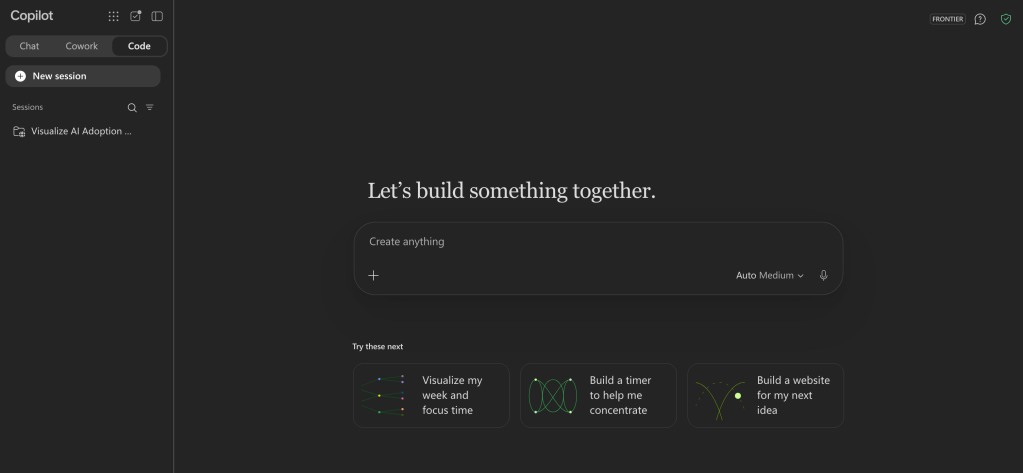
Code is not a separate app, it’s found as a tab besides Copilot Chat and Cowork.
The “Coding” experience
Let’s build a simple idea management application. It’s always a good idea to use AI, such as Copilot Chat, to formalize your idea to a more comprehensive prompt. I quite commonly ask AI to challenge my idea with tough questions, and finalize the results as prompt for Code with AI. At least it feels like the first result is better quality and closer to final version.
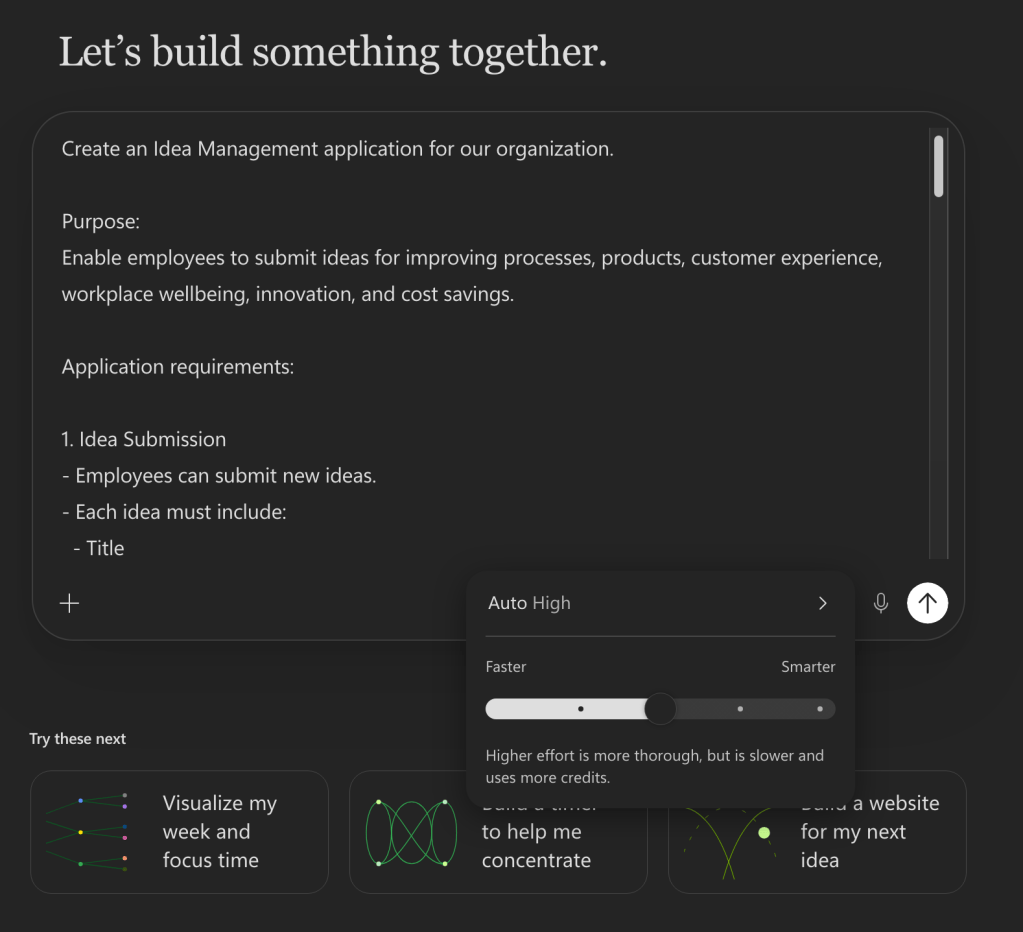
Create an Idea Management application for our organization.Purpose:Enable employees to submit ideas for improving processes, products, customer experience, workplace wellbeing, innovation, and cost savings.Application requirements:1. Idea Submission- Employees can submit new ideas.- Each idea must include: - Title - Description - Category - Expected benefits - Business impact - Optional attachments2. Voting- Employees can vote once per idea.- Display total votes.- Allow users to sort ideas by most popular and most recent.- Show trending ideas on the home page.3. Status Tracking- Ideas should move through these statuses: - Submitted - Under Review - Approved - In Progress - Implemented - Rejected- Display status history and timestamps.4. Assignment and Ownership- Reviewers can assign ideas to business owners.- Assigned owners can update status and progress.- Display assignee name and department.5. Collaboration- Allow comments and discussion on ideas.- Notify users when their idea status changes.- Notify assignees when new ideas are assigned.6. Dashboards- Employee dashboard showing: - My ideas - My votes - Status updates- Management dashboard showing: - Ideas by status - Ideas by department - Most active contributors - Top voted ideas - Implementation rate7. Security- Use Microsoft Entra ID for authentication.- Employees can view all ideas.- Managers can update statuses.- Administrators can manage categories and assignments.8. User Experience- Modern responsive user interface.- Search, filtering and sorting.- Microsoft 365 and Microsoft Teams friendly experience.Create the data model, user interface, workflows, business rules, permissions, and dashboards.
When the prompt is final, just enter it to Code’s prompt dialog. You can upload images and files for more context. Effort controls the reasoning of the AI model.
Once started, Code starts executing tasks and skills, and you can follow the process phases. Be also prepared to make decisions on the way.
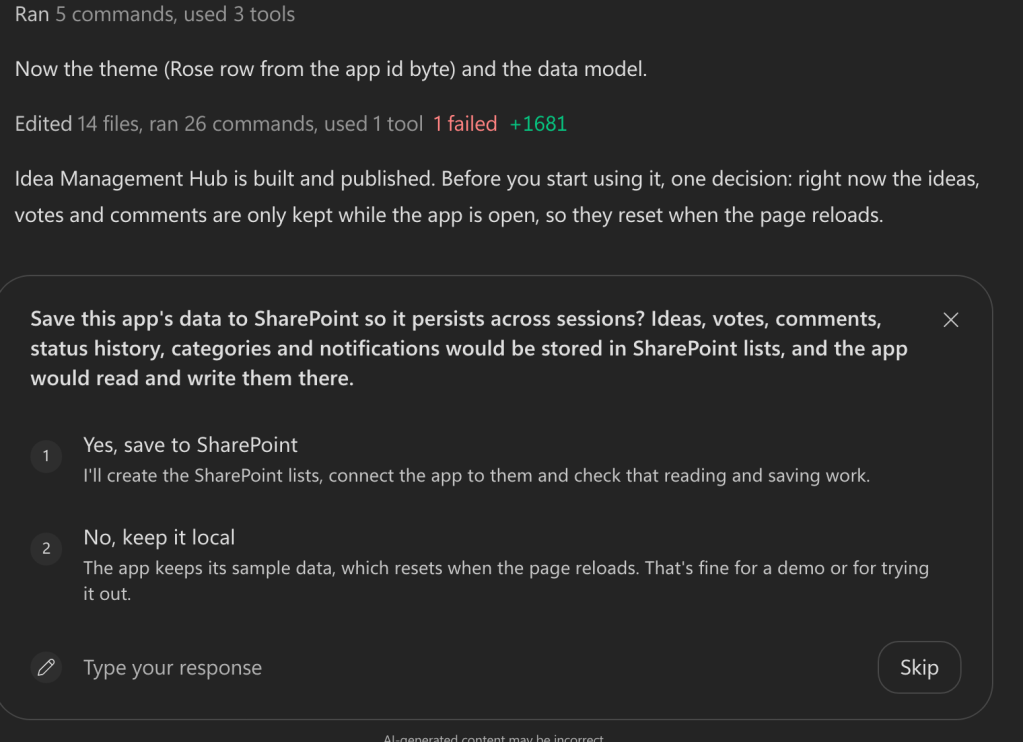
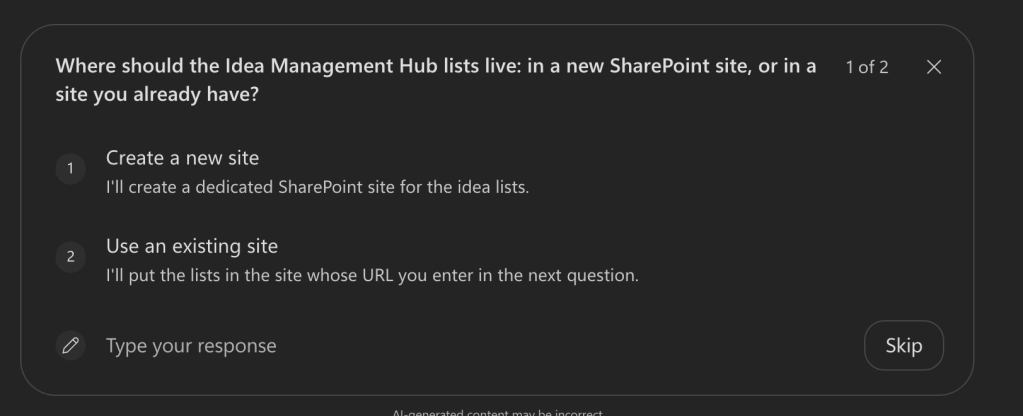
During the coding phase, Code asks question for clarifying, for example, data location, approvals and finally publishing the application.
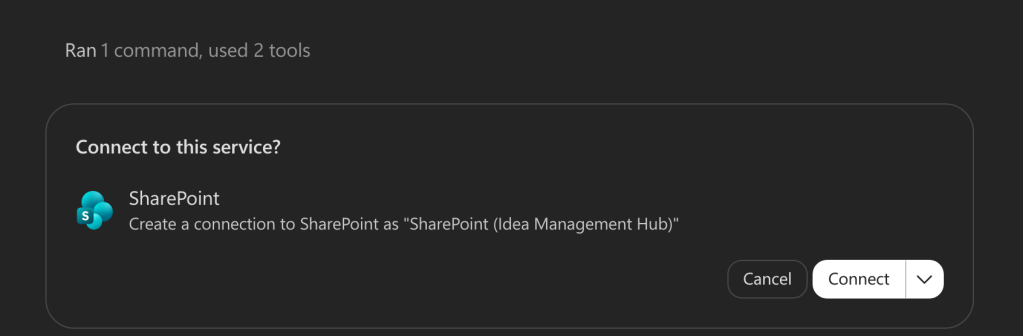
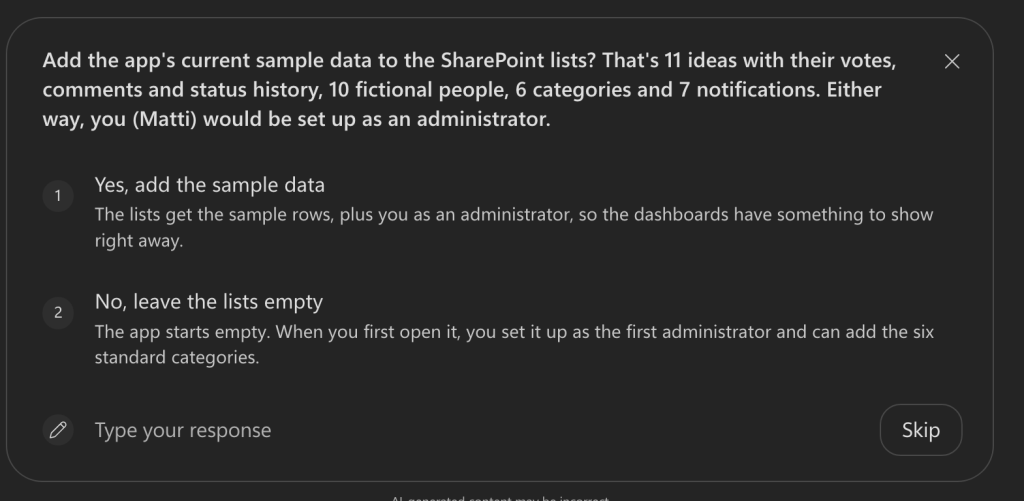
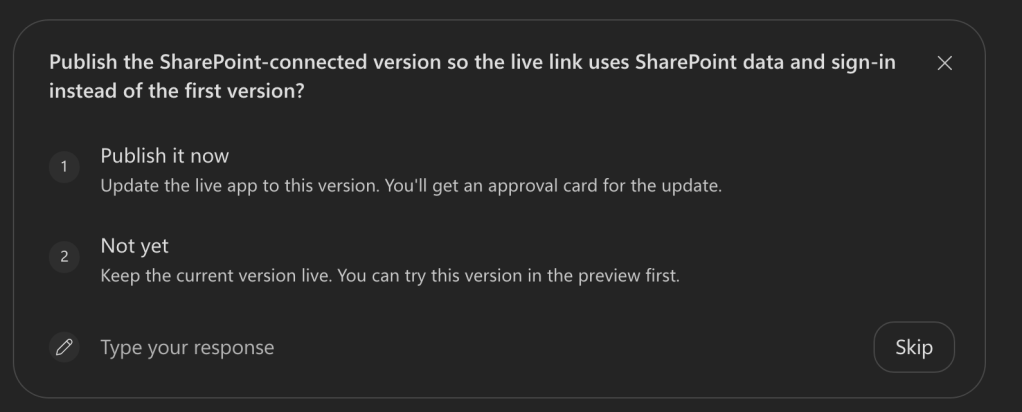
Okay, how long did it took from prompt to publishing?
Something like 10 to 15 minutes in total. But before publishing, I recommended testing the application. You can open it directly to Output section of the Workspace panel on the right side.
What was actually created?
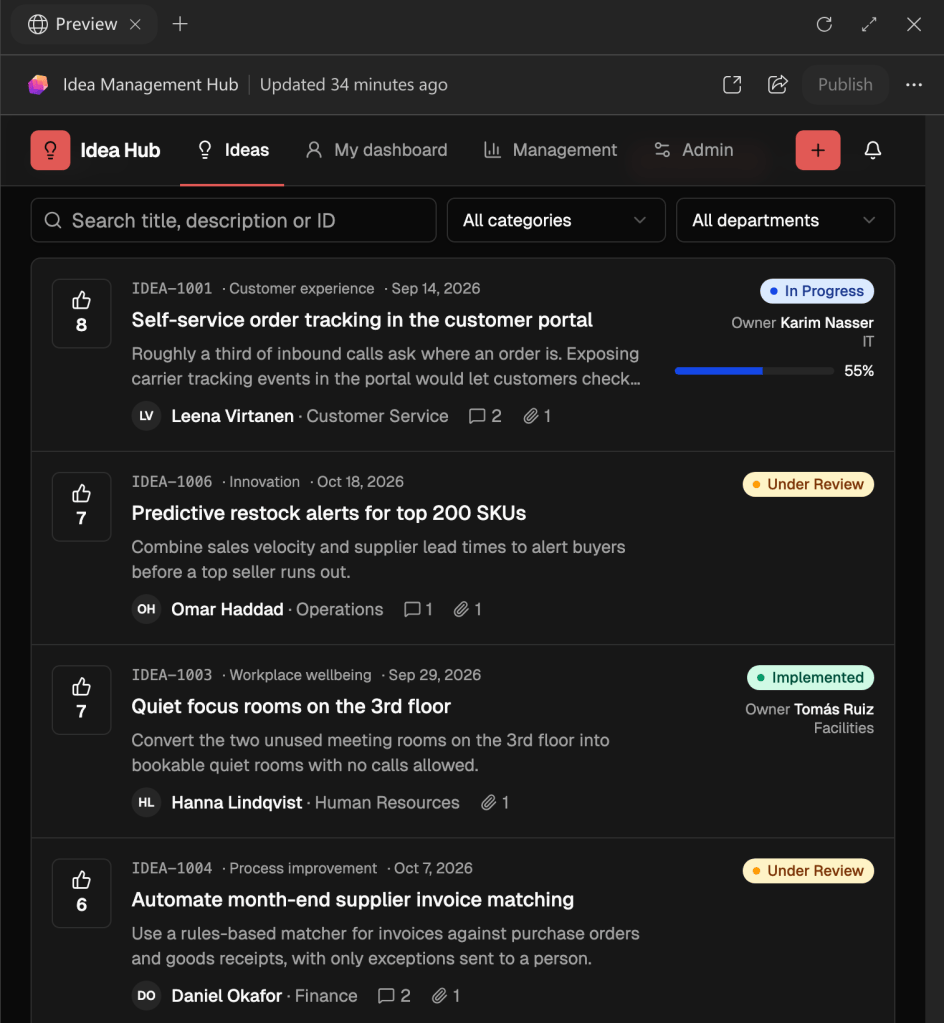
User interface: idea submission, voting, search and filtering, admin controls, dashboard and management view.
SharePoint: New SharePoint Site, Lists for ideas, categories, comments, notifications, people and votes.
What about the cost?
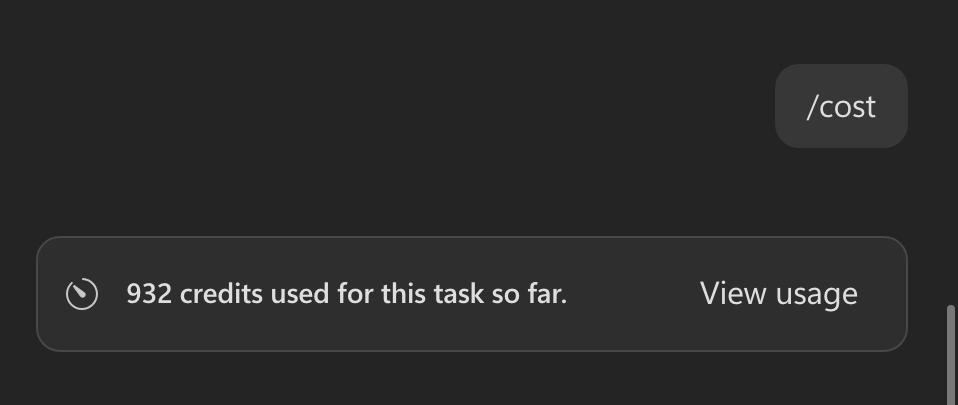
Actual costs (=credit consumption) can be asked from any stage of “coding” by using /cost skill. Now, this application consumed 932 credits, which transferred to currency is roughly around 9 euros. Not bad for 15 minutes of time spent.
Ready to publish?
Before publishing, you should check couple of things:
- Permissions to data source, like new SharePoint site
- Target users (they also need Microsoft 365 Copilot license)
Then just click Publish and Share the App.
Where is the app?
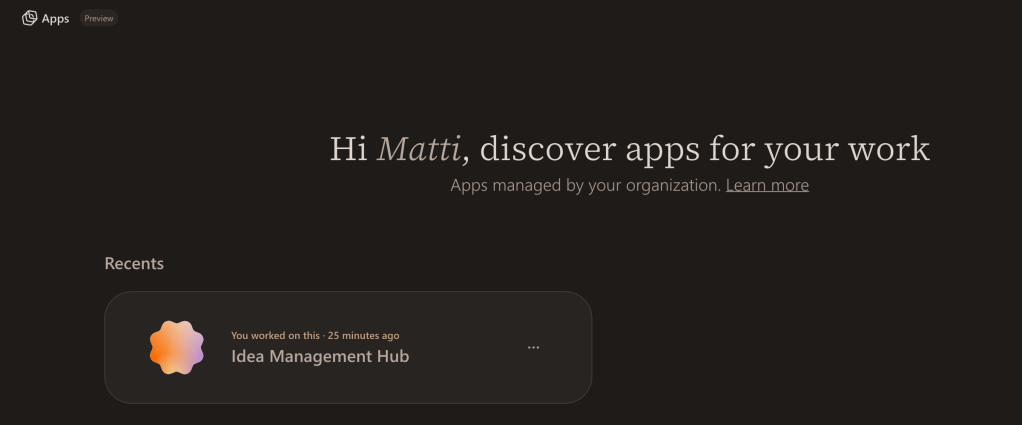
Cloud application are running on an isolated managed environment. You can discover apps you’ve published and applications shared to you from Apps workspace.
https://play.managedapps.cloud.microsoft
What if I want to change the app?
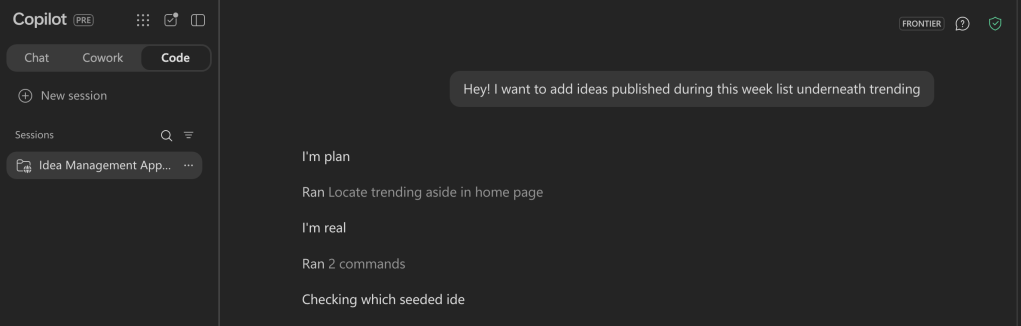
Open Code and locate the session you’ve build the app, and just continue the conversation. Once you’re happy, just Publish the app again.
Pricing and Admin Controls
Usage of Copilot Code is billed on usage-based billing model and can be controlled with spending policies in Microsoft 365 Admin Center Copilot’s Cost management section. Admins can create also a separate spending policy for just Code, if needed.
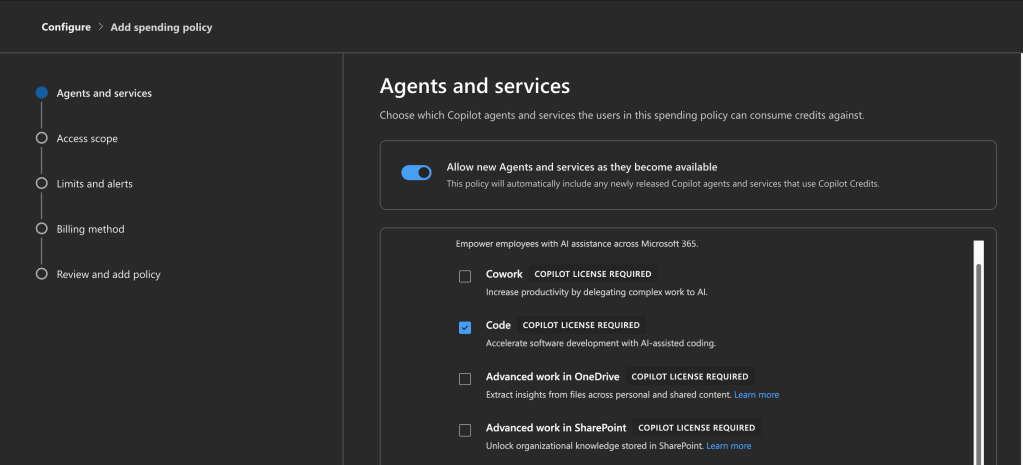
Access scopes allow to target spending policies for different groups, like departments, teams, or locations. Limits and alerts include limits for the spending policy and for individual user with an option to request more credits.
Afterword
Is Code finally enabling app development for all business users?
Again, consultants answer: “It depends”.
The demo example in this article is a good solution candidate for Code. Fairly simple, but engaging business case, simple data model and fairly simple processes. Leadership or human resources could just describe the need and publish it within a same day. Early days this solution might have been built manually configuring SharePoint lists and creating columns, or using PowerApps. Still UI layer wouldn’t be so engaging without skills to create custom column formatting or PowerApps canvases. Code will definitely speed up the innovation on these use cases.
Would I build a company’s ERP with it? No, Code is not meant for large-scale enterprise solutions. But, Code could be a solution for business users to try-out different UI experiences for the ERP project. It’s more understandable to try it out than reading the requirement documents. And hey, that’s why we have AI, it can help with understanding the requirements and build on mock on top of it.
As with other AI-age solutions, Code will also require training the users, publish examples and use cases, and building common guidelines and rules. It’s not meaningful to create an app for everything, sometimes document, Excel or just basic task list will handle job just fine. But it’s important to experience, share findings, and learn together.
Still, while Code creates resources, the user in control needs to understand where data should be stored, who should have access and how access is then controlled. Also sharing across the organization requires knowledge about groups, teams and other access controls, sharing an app individually for 100 people is not just going to fly.
While generating the application was straightforward, the long-term success of solutions created with Copilot Code depends on more than AI-generated code. Organizations should consider ownership, lifecycle management, support, security controls, and governance before business users begin publishing applications at scale. As with previous low-code platforms, the technology itself is rarely the limiting factor. Successful adoption comes from balancing innovation with appropriate governance and operational practices.
Costs. Who should take care of the costs? We should really start getting completely rid of the idea that IT budget includes every tool users are using. Rather we should think that business layer, like a department or a team, would have their own budget for these. IT should just act as an enabler considering security, compliance, and capability factors, but not limiting the innovation by hiding behind budgets. It’s important to create a process for cost management and optimizing the usage of Copilot tools, and measuring value rather than setting the limits.s
Copilot Code is not replacing professional software engineering. But it will simplify how simple app ideas will come to life securely, without the need of separate run-time environment, and really without writing any code.
Discover more from Enabling the Future of Work with Matti
Subscribe to get the latest posts sent to your email.

